For paper books

The reading companion for real books.

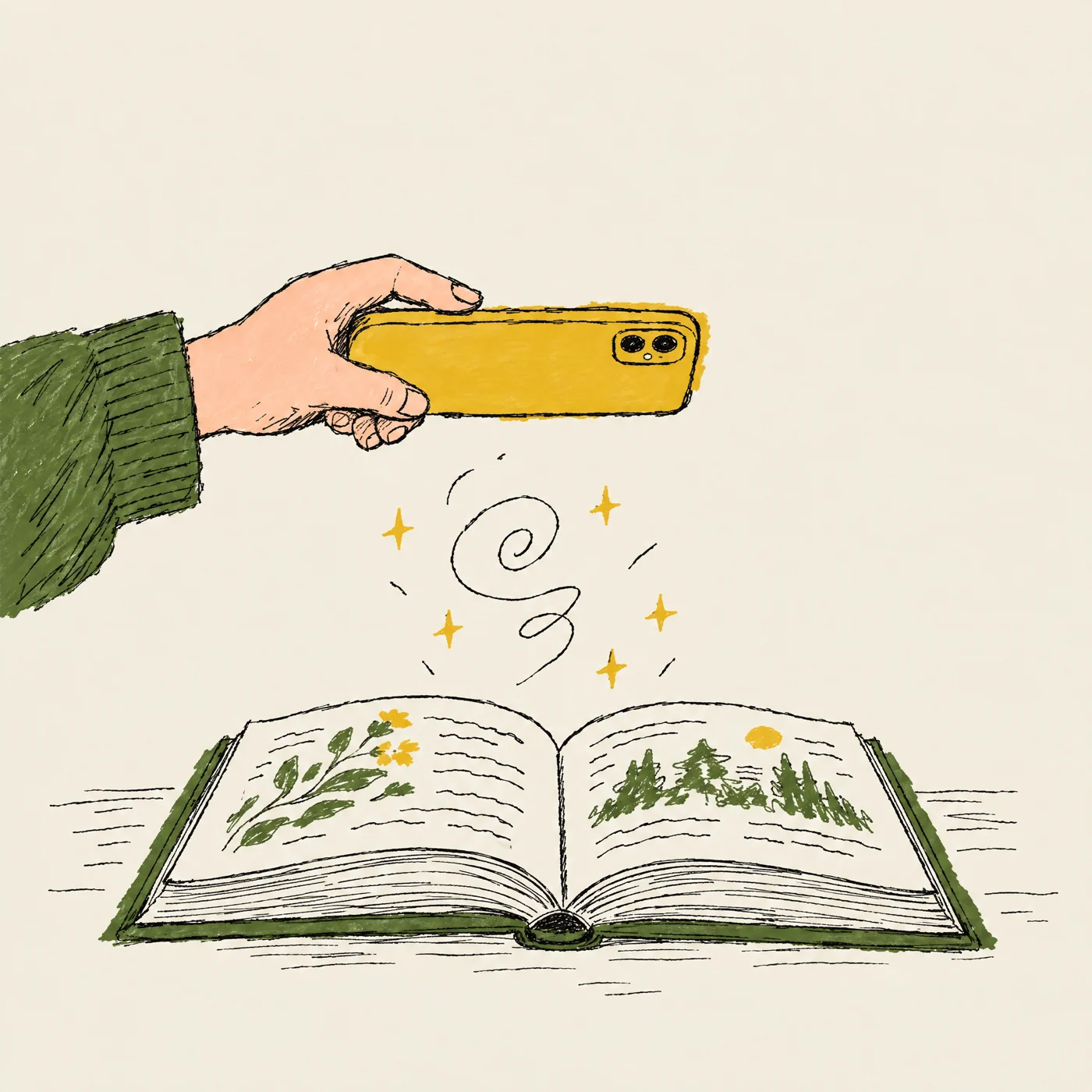
Photograph the page you're on. Ask the book anything — the hard words, the history, who everyone is — and get an answer without putting it down, and without being spoiled.

Get early access See what's free Free to start · iPhone
Open books tumbling through the air

Why Scholia

Answered without putting the book down.

A single unfamiliar word can cost you a chapter. You set the book down, find your phone, and work through a dictionary, a search, and three half-read articles — none of which know which book you're holding, and one of which casually tells you how it ends. By the time you've found your place again, the thread has gone.

Scholia closes that gap entirely. Photograph the page you're on, ask, and carry on — it knows the book, it knows how far you've read, and it stops exactly there.

Philosophy & argument

What is this claim, where does it come from, and is the author serious about it?

History & context

Who this person was, what was happening at the time, and why the detail matters.

Language & translation

What a word means here, what the pun was in the original, why this reads oddly.

Who everyone is

The name you've forgotten, and how they know the person on this page.

Four steps

No page numbers. No ebook. No account to set up.

Open the app, point the camera at whatever page you're on, and start asking. The whole thing takes about three seconds.

A hand holding a phone above an open book
01

Add your book

Search the title, or scan the barcode on the back cover. It appears on your shelf with its real cover art.

02

Photograph your page

The words are read on your device and never uploaded. Any edition, any printing, any translation — it reads the page, not a page number.

03

Confirm where you are

Scholia works out your chapter and tells you how confident it is. If it isn't sure, it says so instead of guessing.

04

Ask anything

Answers in plain language, in seconds, anchored to the page in front of you.

No spoilers. Ever.

It answers everything except the ending.

This is the part a general chatbot can't do. Search a character's name and the first result tells you how they die. Scholia knows the page you're on, so it can answer in full — and stop exactly there.

Why does Raskolnikov keep going back to the scene?
Because he can't leave it alone — and that's the point Dostoevsky is making about him. Up to where you are, he's built a theory to justify what he did, and his body keeps disagreeing with it.
Does he get caught?
That comes later in the book — I'll keep it unspoiled.

Protection is on by default and set per book. When you do want to look ahead, ask for it — there's a "preview next chapter" button. It just never volunteers.

A hand resting over the right-hand pages of an open book
A stack of books with ribbon bookmarks and reading glasses

Your reading life

Everything you're in the middle of, in one place.

Every book bookmarked at its own chapter, independently. A calendar of the days you read and the streak you're on. Books finished this year against a goal you set, star ratings, and an honest breakdown of what you actually read.

Barcode scanning

Point the camera at the back cover. The book is on your shelf in a second.

Read on your device

Page text is recognised on the phone itself. The photograph is never stored or uploaded.

Reading record

Streaks, a month calendar, finished books, ratings and genre mix.

Made to look at

Light and dark, seven accent colours, and a hand-drawn mode with ink borders and paper grain.

Classics, decoded

Read Dostoevsky without a second degree.

The patronymics. The Napoleonic reference. The Latin epigraph. The theology the whole argument rests on. All of it explained where you are, at the level you ask for — including "explain this page like I'm twelve", which is a real button and the most used one we have.

You don't have to pretend you understood it. That's rather the point.

A reader curled up in an armchair under a lamp

Plans

Try it on a real book. Then decide.

You get a batch of free questions when you download the app. No card, no trial countdown, no "free for 7 days" that quietly bills you on day eight. Use them tonight or spread them over a month — they're yours until they're gone.

Free · no card

Your first questions

  • Enough to get through a proper reading session and know whether this is for you
  • No clock on them — nothing expires at midnight
  • Every feature unlocked: scanning, spoiler protection, your whole shelf
  • Everything you asked stays readable forever, even if you never pay
Premium

When you don't want to count

  • Ask as much as you like, for as long as the book takes
  • Monthly or yearly — yearly works out a good deal cheaper
  • Cancel in two taps from Settings, keep everything you've asked
  • Costs about what you'd pay for one secondhand paperback a month

Most people hit Premium in the middle of a book they're enjoying, which is exactly when they should — not before they've seen it work.

Q & A

The questions we actually get.

What is Scholia, exactly?

A reading companion for physical books. Photograph the page you're on and ask whatever you like — what a passage means, who a character is, what you should remember before the next chapter. Scholia knows the book, and it knows how far you've read.

Does it work across different editions?

Yes, and it's the part we're proudest of. Scholia never relies on page numbers, because your paperback and someone else's hardback don't agree on them. It reads the actual words on your page and matches them to the book, so any printing or translation works.

Is it really spoiler-free?

Answers are anchored to the page in front of you and to the chapter you've reached. Spoiler protection is deliberate and strict: nothing beyond your position is discussed. It's careful rather than infallible, so we say that plainly — and you can switch it off per book whenever you want the whole thing on the table.

Which books are supported?

Search a title and Scholia tells you honestly how well it knows that specific book. Popular fiction, classics and well-known non-fiction are covered in real depth. For rarer titles it leans on the page you've photographed and says it's doing so, rather than inventing something.

What happens to the photos of my pages?

The text is recognised on your phone, by the phone. The photograph itself is never stored on our servers and never uploaded. What travels is the text of the page, and only to work out where you are and answer your question.

How long does an answer take?

Seconds. Photograph the page, confirm where you are, and the answer arrives before you've settled back into the chair.

What do I actually get for free?

A batch of questions when you install the app — no card, no trial clock. Every feature is unlocked from the first one: scanning, spoiler protection, your whole shelf and reading record. They're enough to use Scholia properly on a real book and decide for yourself, rather than enough to look at a demo. When they run out, Premium is unlimited, monthly or yearly. Everything you asked before that stays readable forever, whether you pay or not.

What's coming next?

Chapter recaps for when you've been away from a book, importing the shelf you already track elsewhere, and a way to look back over everything a book taught you. The core promise doesn't change: your book, your page, no spoilers.

Early access

Pick the book back up.

Reading, memory and attention are more important than ever. Scholia is a small nudge that keeps the pages turning.